How to Make a Whiteboard Video: Simple Steps for Beginners?
Whiteboard or doodle videos explain ideas with drawings appearing in sync with narration.
Aditya Challa1 min read
Summary
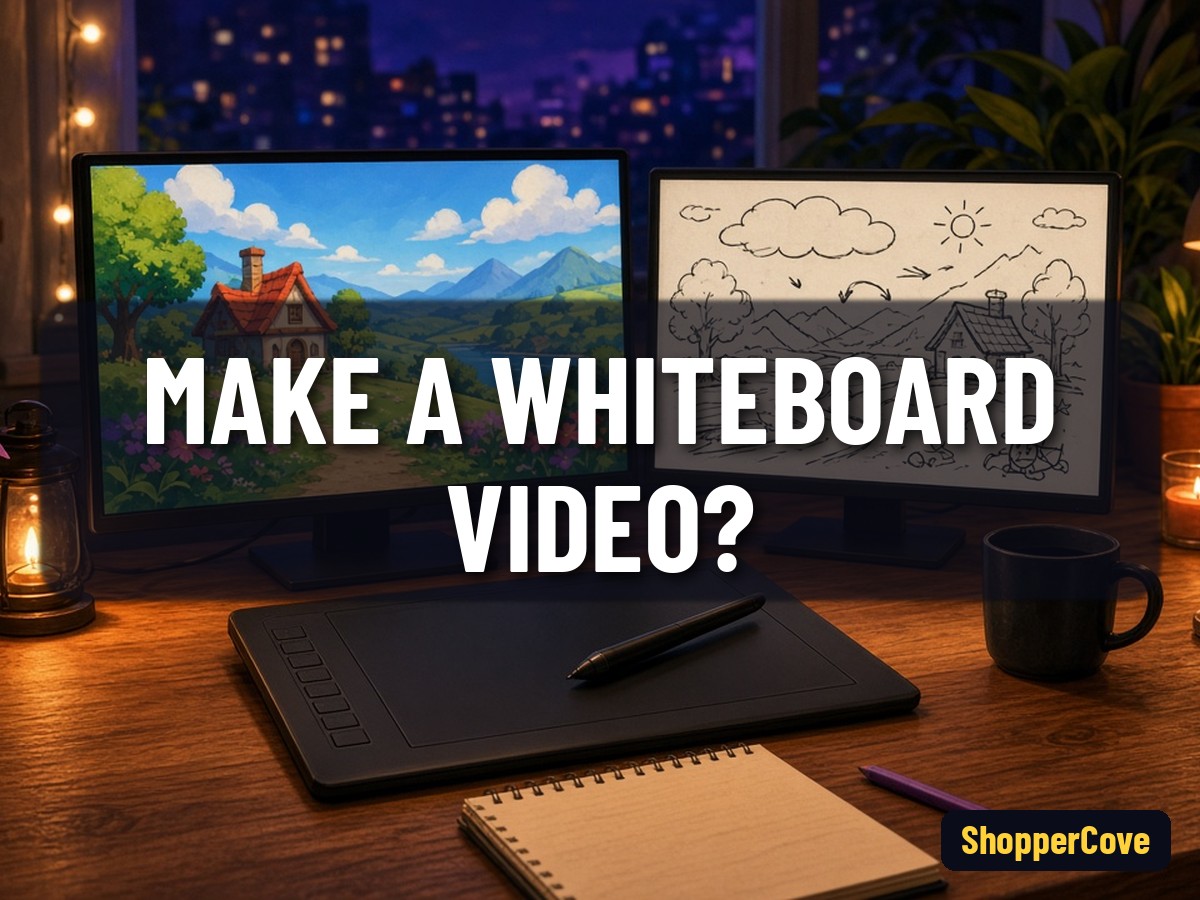
To make a whiteboard video, write a short script, pick one simple drawing per idea, and reveal each drawing in sync with your voiceover before exporting the finished video. You can draw by hand on camera or use doodle-video software that animates the drawing for you.
Write for visuals
Each sentence should map to one picture: an icon, a chart or a simple character.
Choose your method
- Hand-drawn: film a real whiteboard from above, then speed up the footage.
- Software: place pre-made or generated drawings and let the tool animate the hand.
Sync to narration
Record the voiceover first, then time each reveal to the matching words.
Keep it simple
White space, one colour accent and large text read best on small screens.
Export and publish
Export in 16:9 for YouTube, add captions, and write a clear title and thumbnail.
Related: /blog/how-to-make-an-animated-explainer-video
Related: /blog/how-to-add-subtitles-to-youtube-videos
Related: /blog/what-size-should-a-youtube-thumbnail-be
Sources
Lab evidence
What I found running this
Facts in this draft were checked on 12 Oct 2026 against the primary sources listed in the body (official docs, release schedules or Google/YouTube help pages). No benchmarks or timings were run, so the post makes no performance or measurement claims; dates are quoted as published by the maintainers, and any estimate is labelled as such.
Explore the product
Creators and marketers who want cartoon-style explainer videos
Make 2D animated explainer videos without an animator
See VidToon's animation editorMake a whiteboard video from a text prompt
Try InstaDoodle for your first doodle videoKeep reading
How to Make an Animated Explainer Video in 6 Clear Steps?
A practical workflow for a first explainer video, from script to export.
Summary12 Oct 20261 min read
How Are Whiteboard Animation Videos Made Today? The 7-Step Process, Old and New
Every good whiteboard video starts with the words: a 60-second script holds about 150. The three ways these videos are made today, by hand, with software or with AI, and the seven production steps from script and voiceover to timing and export, with what learning research says about each.
News8 Oct 20267 min read
How Do You Make a Scary Story Video for YouTube?
A creator workflow for narrated horror videos, from script to upload.
Summary13 Oct 20262 min read