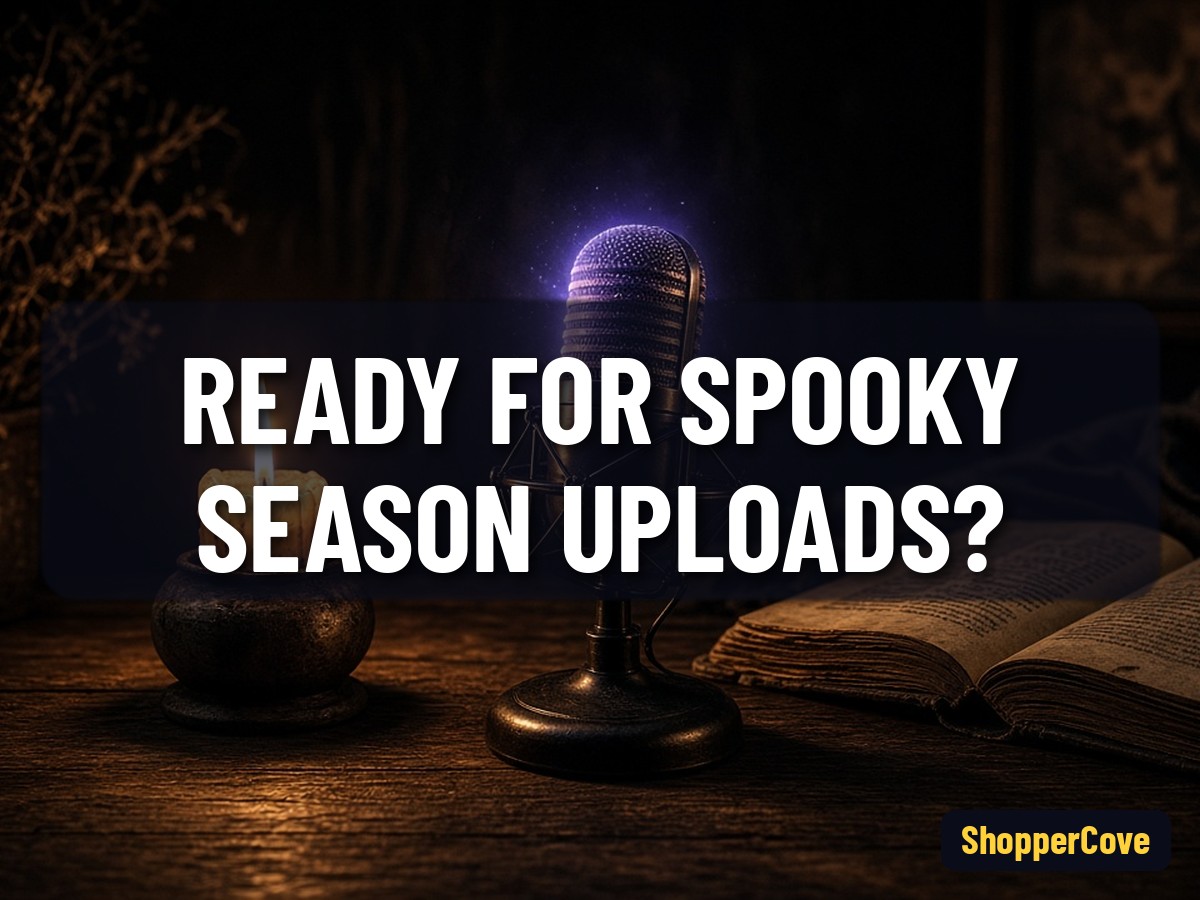
How Do You Make a Scary Story Video for YouTube?
A creator workflow for narrated horror videos, from script to upload.
Aditya Challa2 min read
Summary
How do you make a scary story video for YouTube? Write an original story or get permission to narrate one, record clear narration, add visuals, music and sound effects, then upload with a searchable title and a clear note that the story is fiction. Halloween falls on Saturday, 31 October 2026, so publish early.
Where do I get a scary story to narrate?
Write your own, use public-domain classics such as Edgar Allan Poe's tales, or ask authors for permission. Creepypastas have authors, and a story posted online is not automatically free to reuse, so narrating one without permission can lead to copyright claims.
How do I write a scary story script?
- Open with a hook in the first 15 seconds
- Keep the setting ordinary: a road trip, a night shift, an old house
- Build tension with short sentences and hold back the reveal
What equipment do I need?
A USB or XLR microphone, a quiet room and free editing software are enough to start. Record in a space with soft furnishings to reduce echo.
How do I add visuals and sound?
Use animation, licensed stock footage or illustrations. YouTube's Audio Library offers free music and sound effects. If you use realistic AI-generated scenes, YouTube asks creators to disclose altered or synthetic content that viewers could mistake for real.
How do I keep a horror video advertiser-friendly?
YouTube's advertiser-friendly guidelines can limit ads on videos with graphic violence or shocking thumbnails. Implied horror and atmosphere tend to be safer than gore.
FAQ
Can I narrate creepypastas on YouTube? Only with the author's permission, unless the story is in the public domain.
Do scary story channels need to show a face? No. Most are faceless narration channels.
When should I upload Halloween videos? Early to mid October, so they can build views before the holiday.
Related
- How to start a faceless YouTube channel
- What is a creepypasta?
- How to add subtitles to YouTube videos
Sources
horror narrationyoutube channelvideo editingcontent creationcopyrightaudio recordingstorytellingscary stories
Lab evidence
What I found running this
Facts in this draft were checked on 13 Oct 2026 against the sources listed in the body (official records, publishers, encyclopaedias and named news outlets). No original testing or reporting was done; figures are quoted as published by those sources, fiction and folklore are labelled as such, and any estimate or prediction is labelled as such.
Explore the product
Creators and marketers who want cartoon-style explainer videos
Animate your scary story scripts into cartoon horror
Make your first horror story video with VidToonPick horror story titles viewers actually search
Research scary story video ideas with VidRankrKeep reading
How to Start a Faceless YouTube Channel the Right Way?
Faceless is fine; mass-produced is not. YouTube's policies explain the difference.
Summary12 Oct 20261 min read
Best Tools to Make YouTube Videos Faster in 2026?
Free built-in tools first, then three paid options described from their official pages.
Summary12 Oct 20262 min read
How to Make a Whiteboard Video: Simple Steps for Beginners?
Whiteboard or doodle videos explain ideas with drawings appearing in sync with narration.
Summary12 Oct 20261 min read