How to Start a Faceless YouTube Channel the Right Way?
Faceless is fine; mass-produced is not. YouTube's policies explain the difference.
Aditya Challa1 min read
Summary
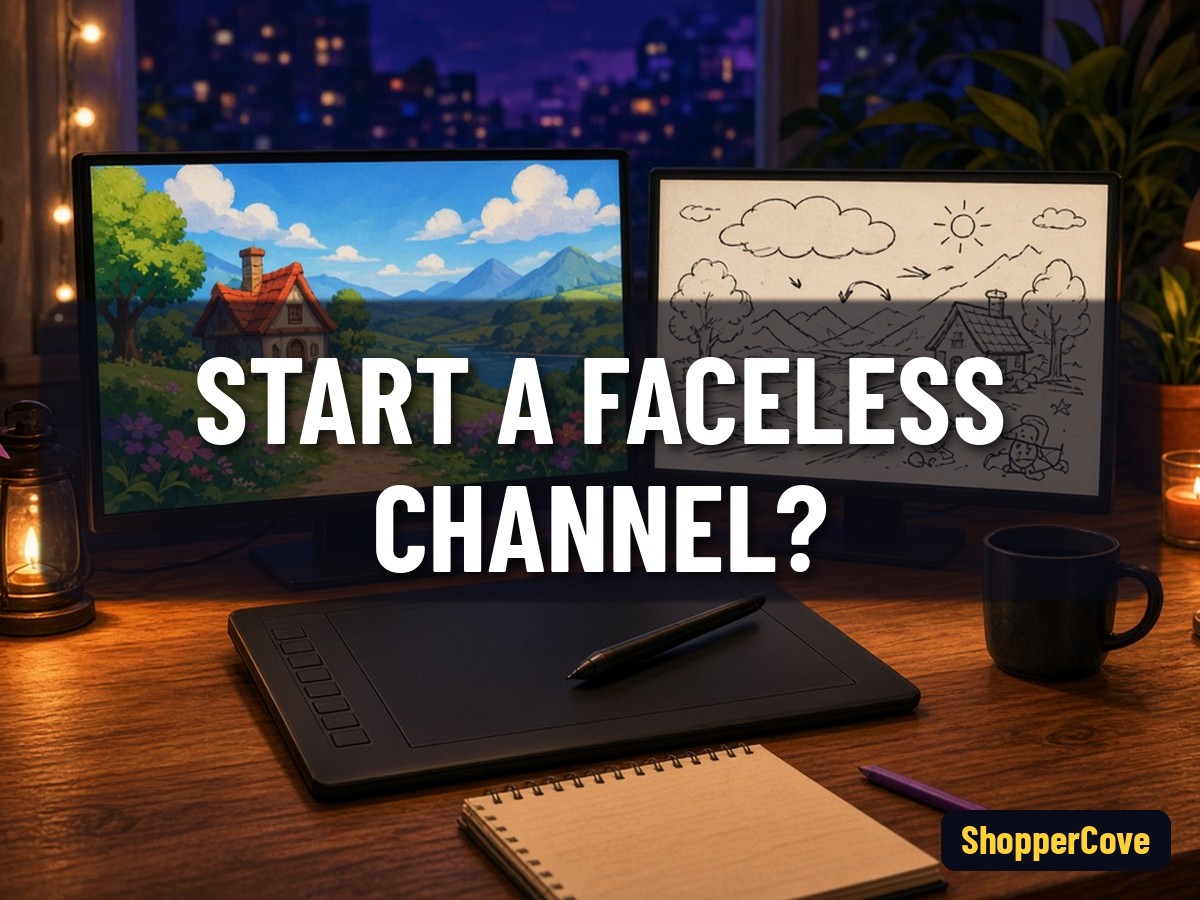
To start a faceless YouTube channel, choose a niche you can explain well, then make videos with voiceover over animation, screen recordings, doodles or stock footage, adding real insight in every episode. YouTube's monetization policies exclude inauthentic content, which it describes as repetitive or mass-produced.
Pick formats that work without a face
- Tutorials with screen recordings
- Animated or whiteboard explainers
- Narrated lists, reviews and breakdowns
Add original value
YouTube's reused content policy covers commentary, clips and compilations. Add your own commentary, research or teaching rather than reuploading.
Disclose realistic AI content
YouTube requires creators to disclose AI-generated or altered content that looks realistic, such as a real person appearing to say something they did not.
Set up the basics
Channel name, banner, a short trailer and a consistent thumbnail style make a faceless channel recognisable.
Related: /blog/how-to-make-an-animated-explainer-video
Related: /blog/how-to-make-a-whiteboard-video
Related: /blog/how-many-subscribers-to-monetize-on-youtube
Sources
Lab evidence
What I found running this
Facts in this draft were checked on 12 Oct 2026 against the primary sources listed in the body (official docs, release schedules or Google/YouTube help pages). No benchmarks or timings were run, so the post makes no performance or measurement claims; dates are quoted as published by the maintainers, and any estimate is labelled as such.
Explore the product
Creators and marketers who want cartoon-style explainer videos
Tell stories with animated characters instead of your face
Start a faceless channel with VidToonExplain ideas with doodles, no camera needed
Try InstaDoodle for faceless videosKeep reading
How Do You Make a Scary Story Video for YouTube?
A creator workflow for narrated horror videos, from script to upload.
Summary13 Oct 20262 min read
Best Tools to Make YouTube Videos Faster in 2026?
Free built-in tools first, then three paid options described from their official pages.
Summary12 Oct 20262 min read
How to Make a Whiteboard Video: Simple Steps for Beginners?
Whiteboard or doodle videos explain ideas with drawings appearing in sync with narration.
Summary12 Oct 20261 min read